

1
Create a new Next.js app
Use the interactive CLI to scaffold a new Next.js project and install its dependencies.
terminal
2
Start the dev server
Change to the project directory and run the dev server with Bun.This starts the Next.js dev server with Bun’s runtime.Open
terminal
http://localhost:3000 in your browser to see the result. Changes you make to app/page.tsx are hot-reloaded in the browser.3
Update scripts in package.json
Prefix the Next.js CLI commands in your
package.json scripts with bun --bun so that Bun executes the Next.js CLI for dev, build, and start.package.json
Hosting

Vercel
Deploy on Vercel

Railway
Deploy on Railway

DigitalOcean
Deploy on DigitalOcean

AWS Lambda
Deploy on AWS Lambda

Google Cloud Run
Deploy on Google Cloud Run

Render
Deploy on Render
Templates
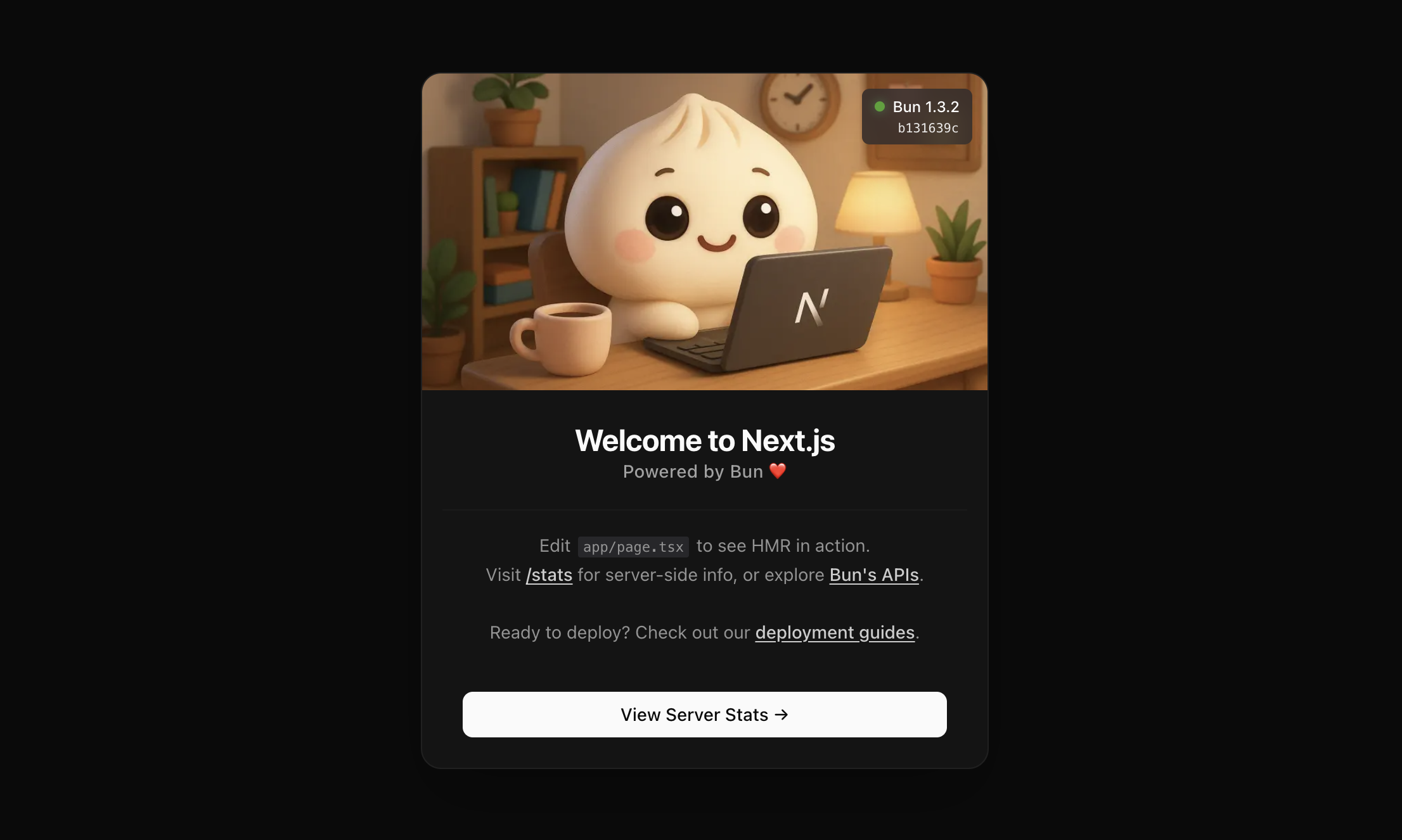
Bun + Next.js Basic Starter
A simple App Router starter with Bun, Next.js, and Tailwind CSS.

Todo App with Next.js + Bun
A full-stack todo application built with Bun, Next.js, and PostgreSQL.
Refer to the Next.js documentation for more on building and deploying Next.js applications.